Top
Super, dass die Erinnerungslisten ein- und ausgeblendet werden können. Klasse Service! Einfach gut gemacht. Erfrischend anders als die anderen Kalenderapps.
2aldi
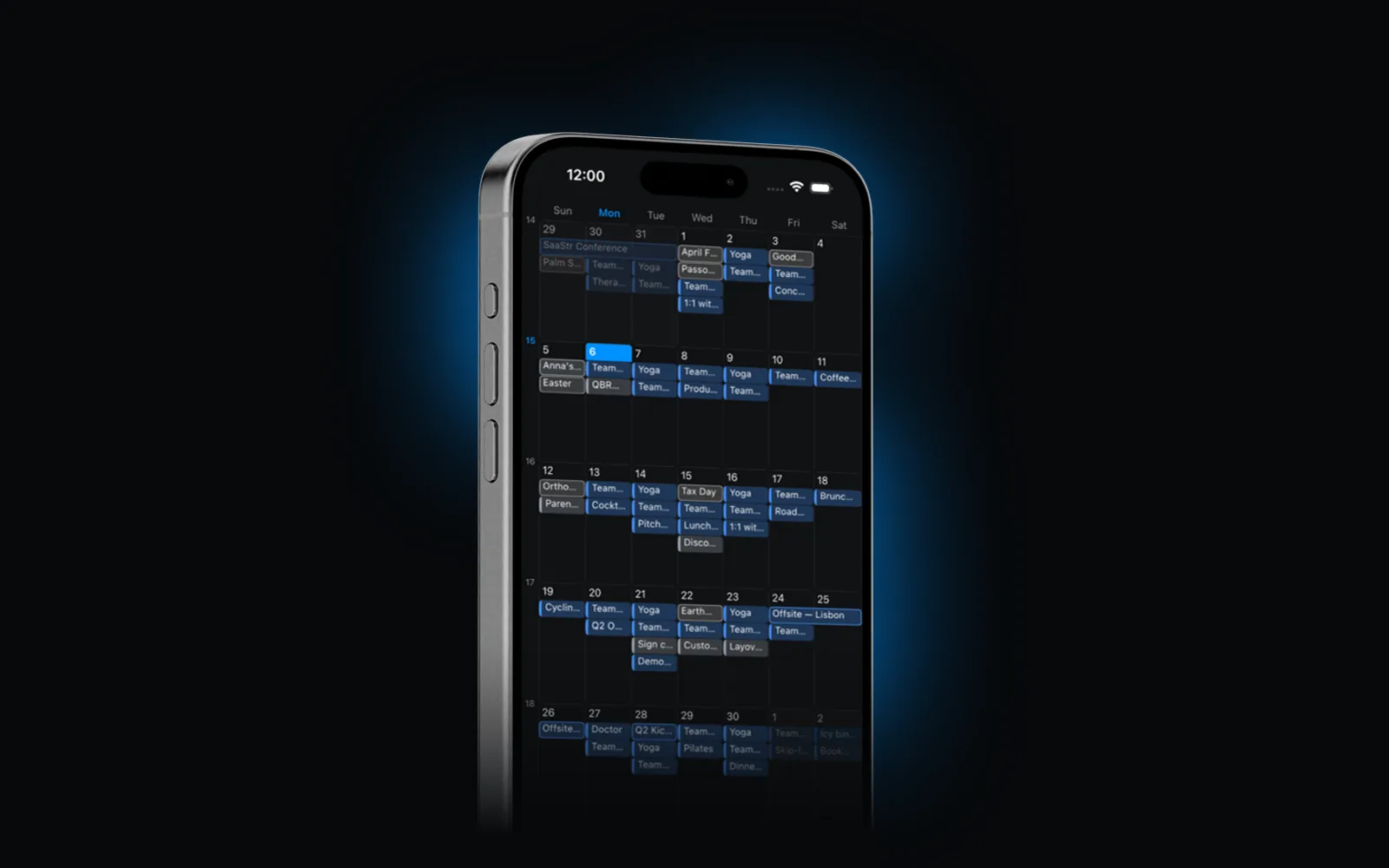
Events, reminders and weather, beautifully organized on iOS.
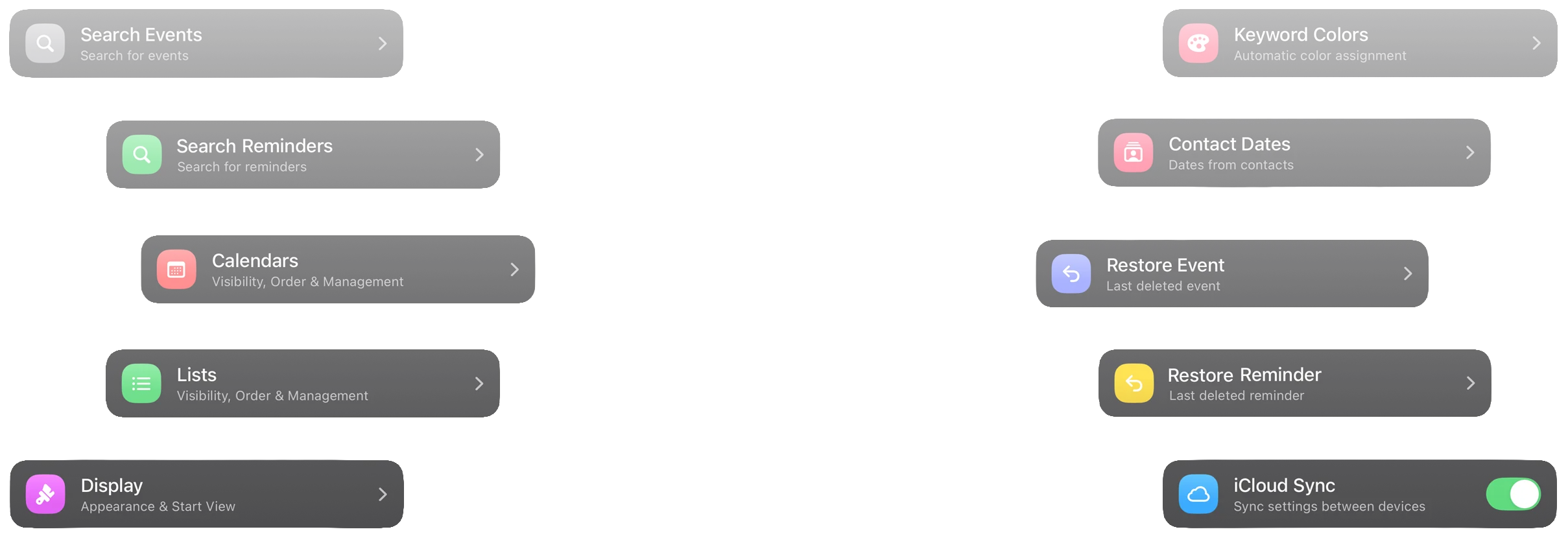
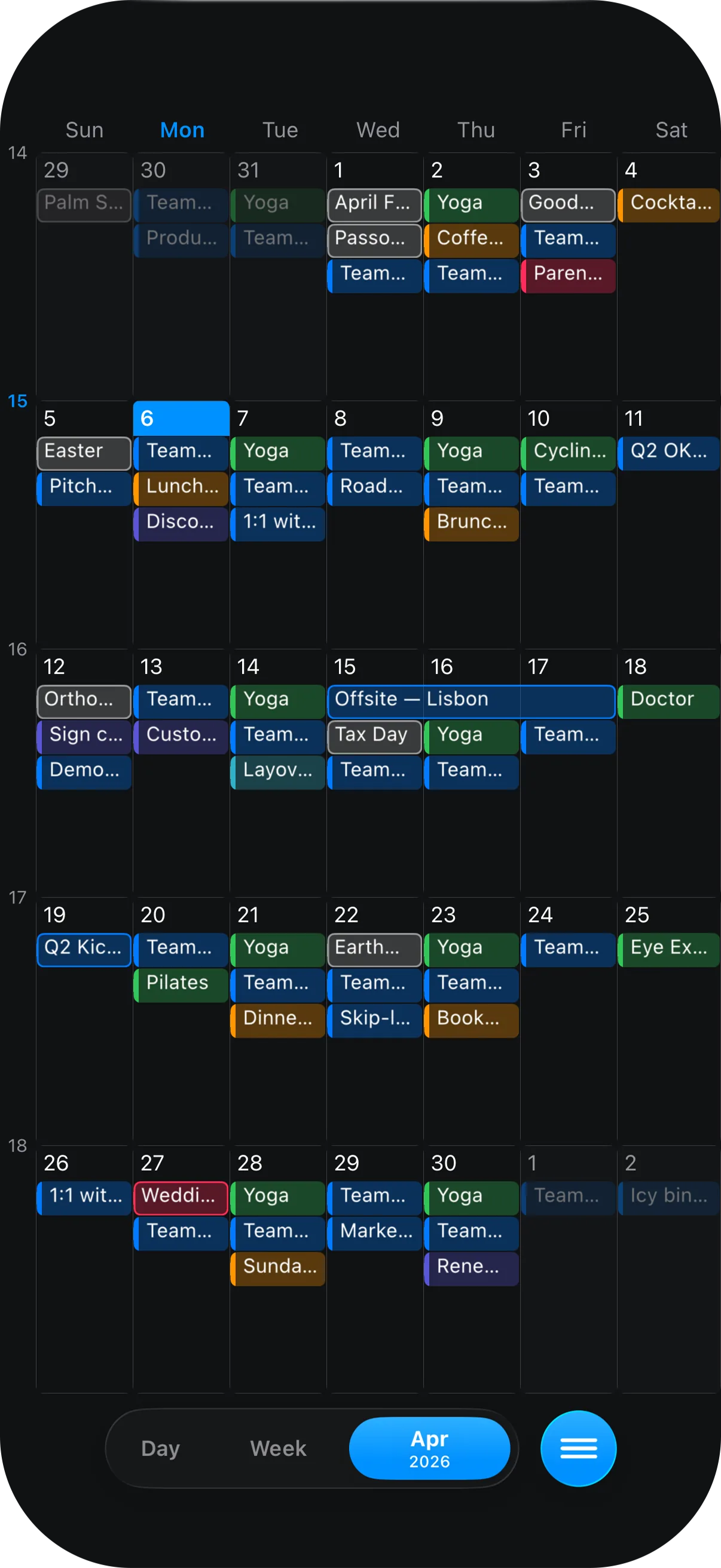
See your month at a glance and shape Calendarize exactly the way you want with extensive settings for layout, behavior, and appearance.
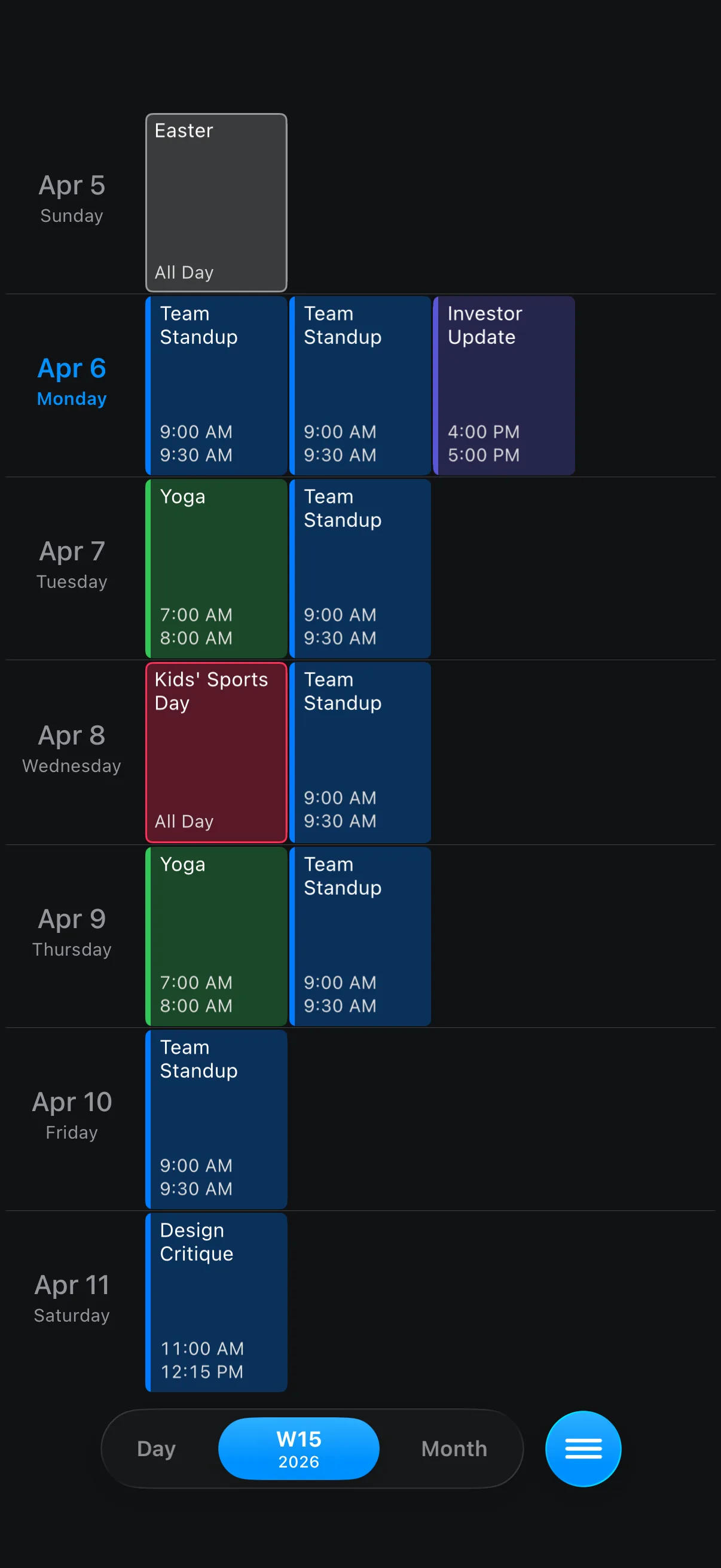
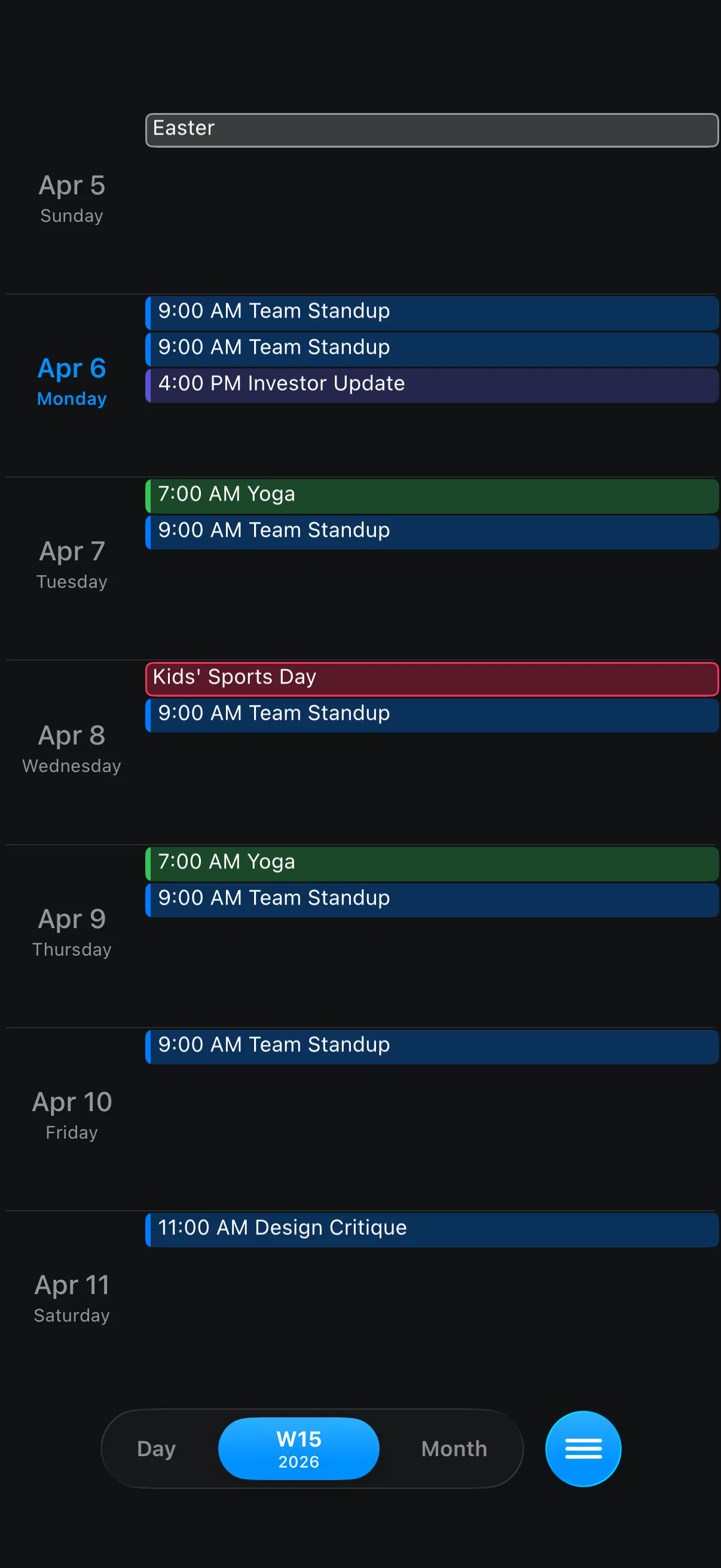
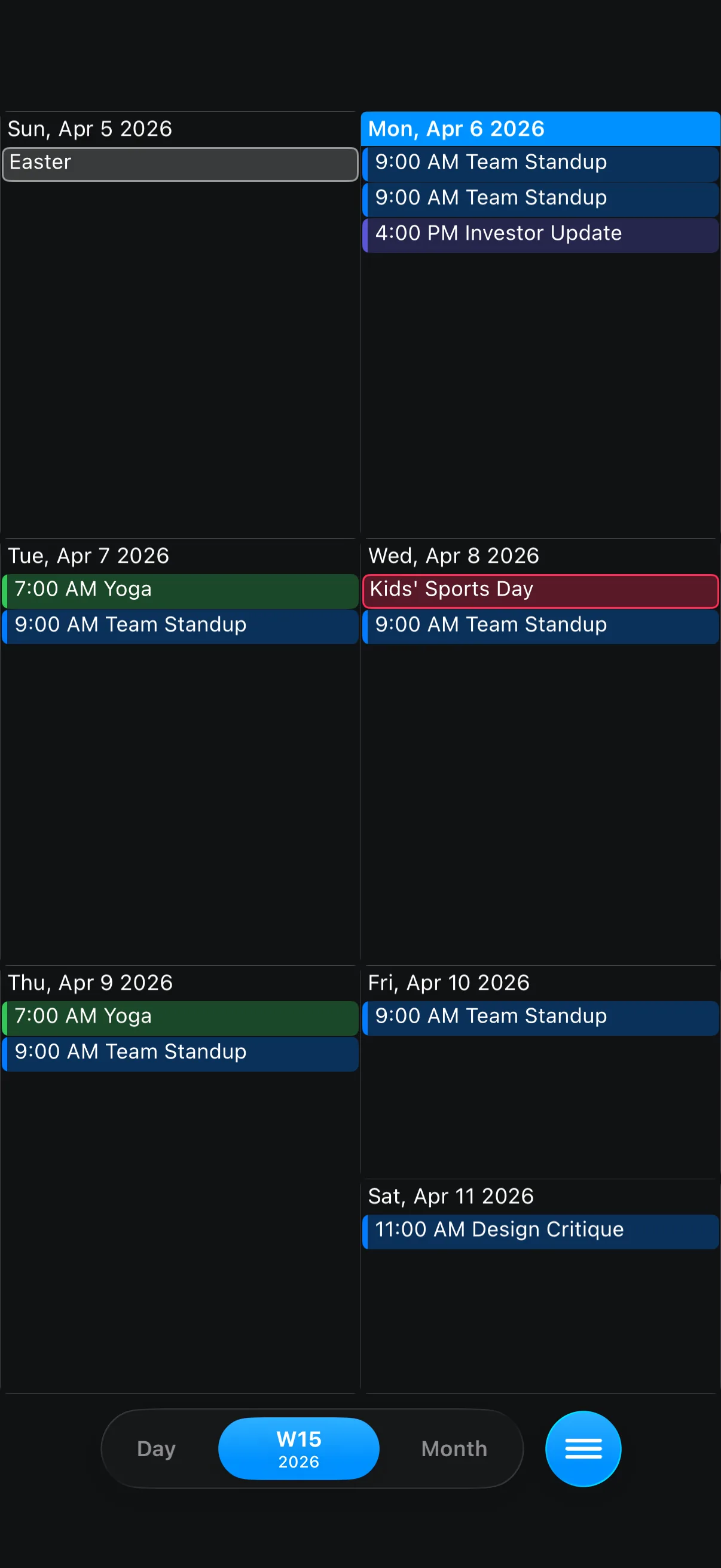
Four hand-crafted layouts. Two orientations. One calendar that reshapes itself the moment you decide.
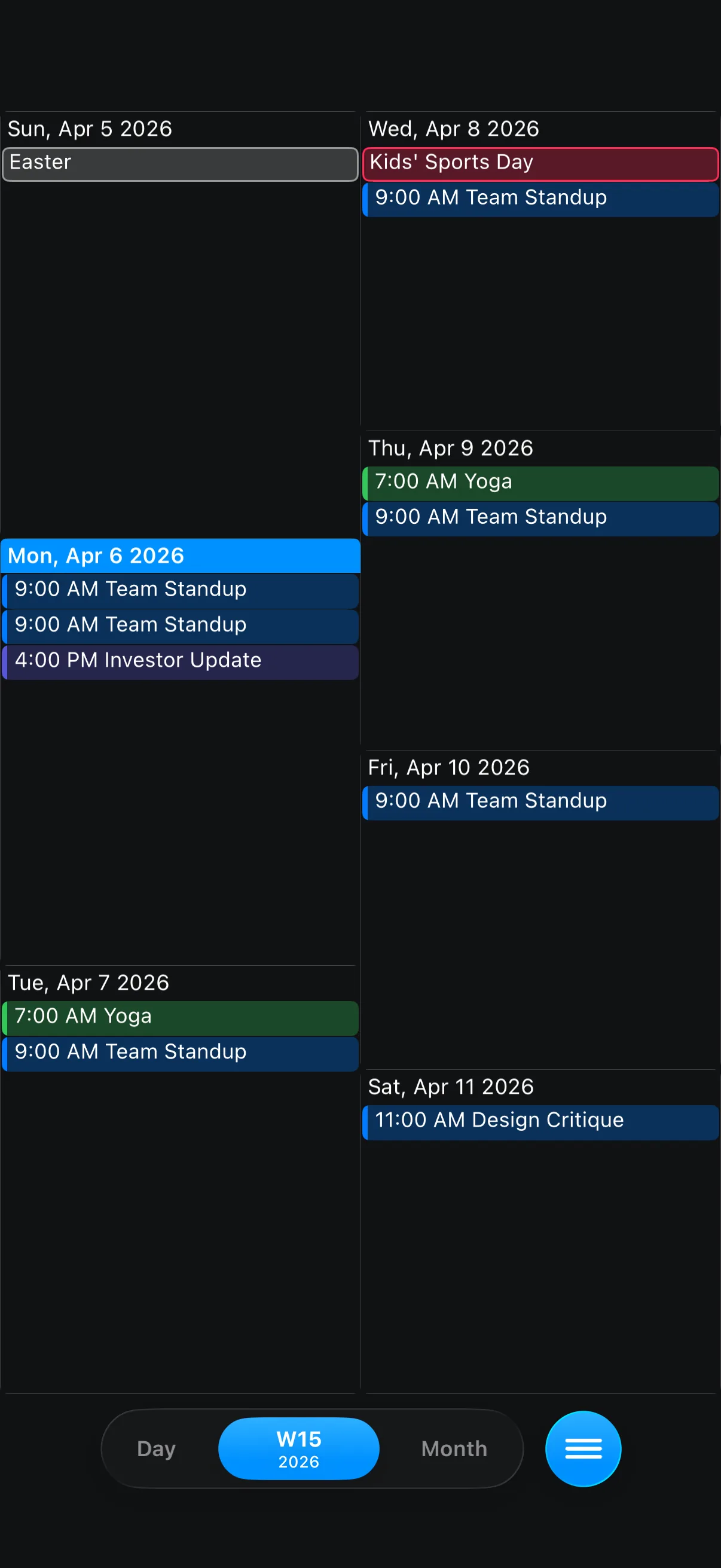
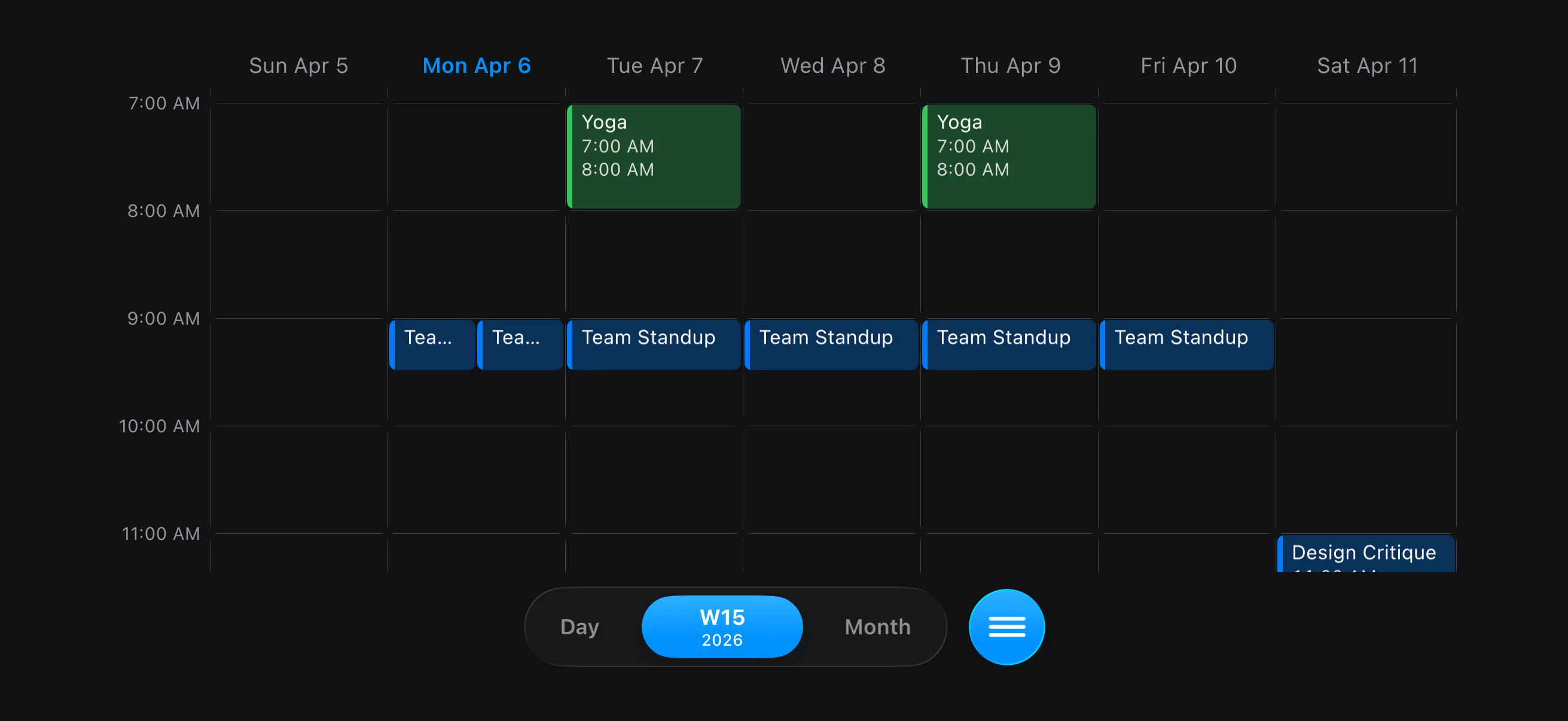
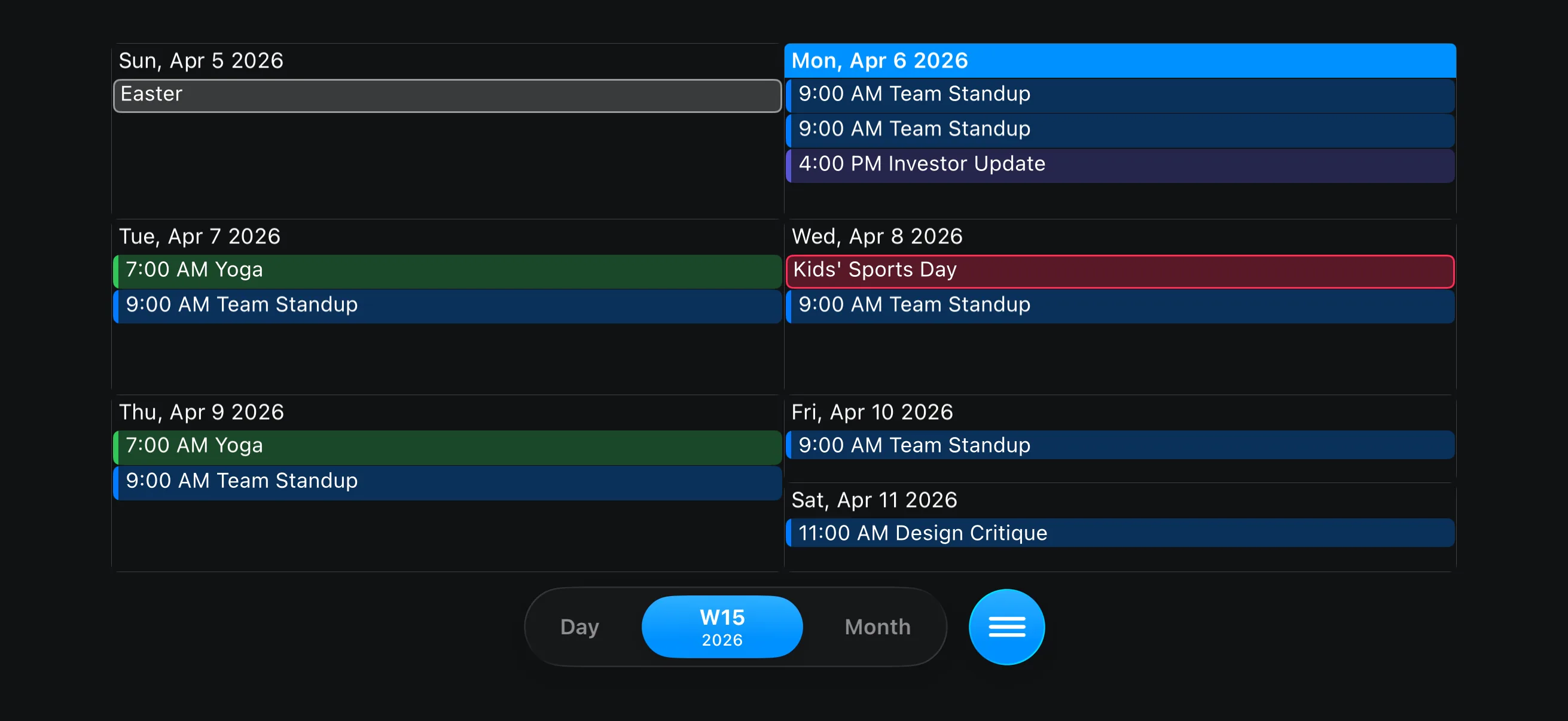
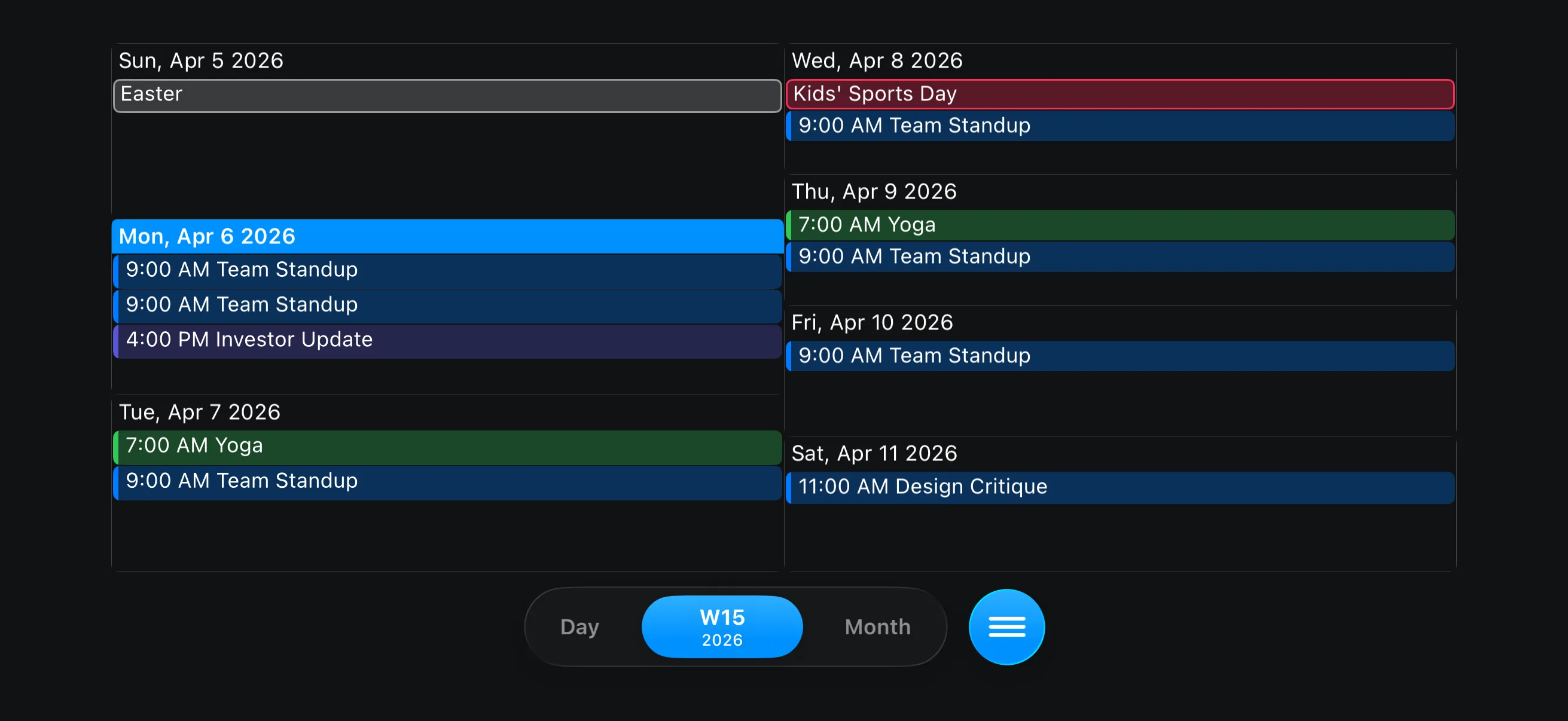
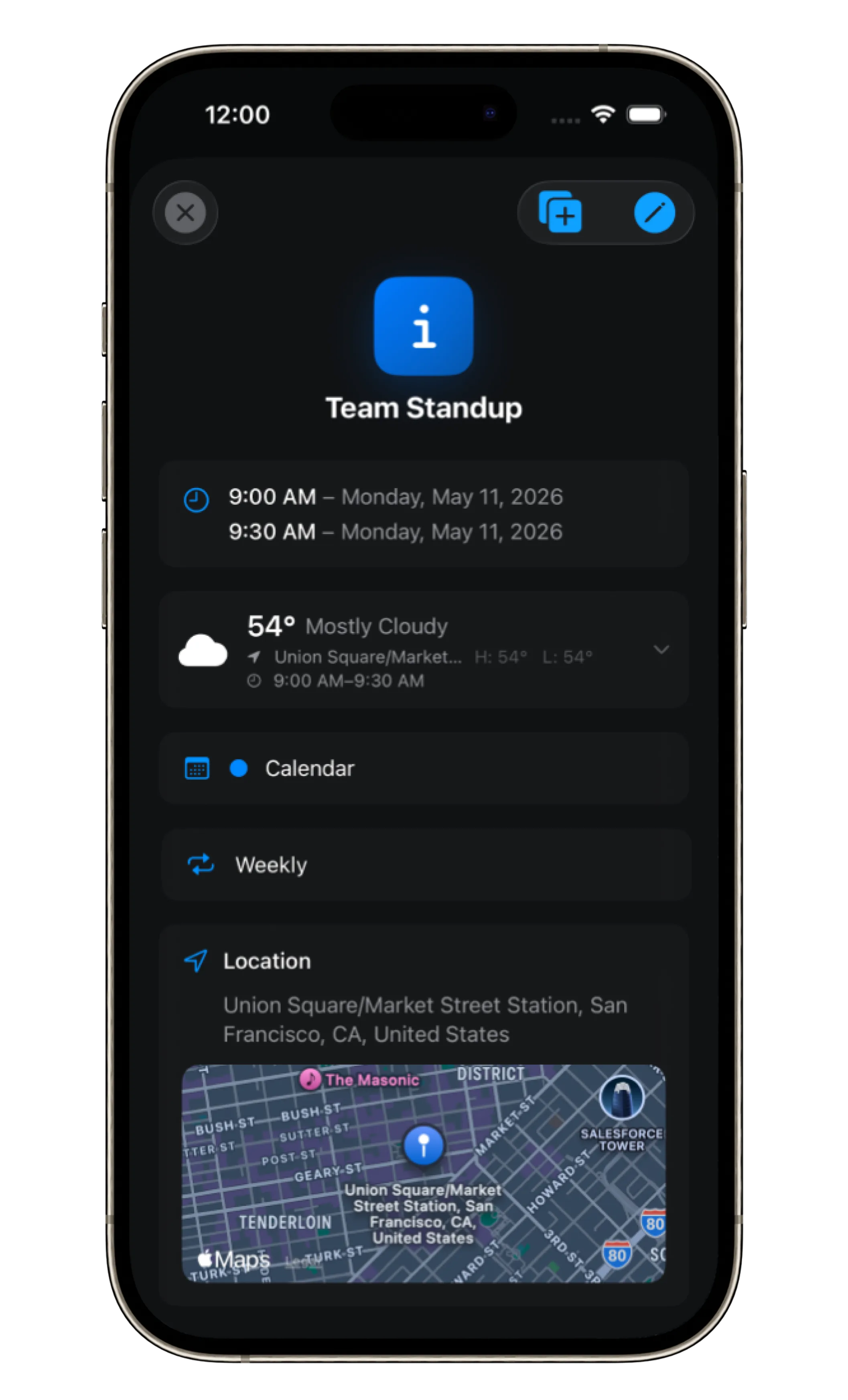
Events and weather come together in one focused view, with the full forecast just a swipe away.
April 6, 2026
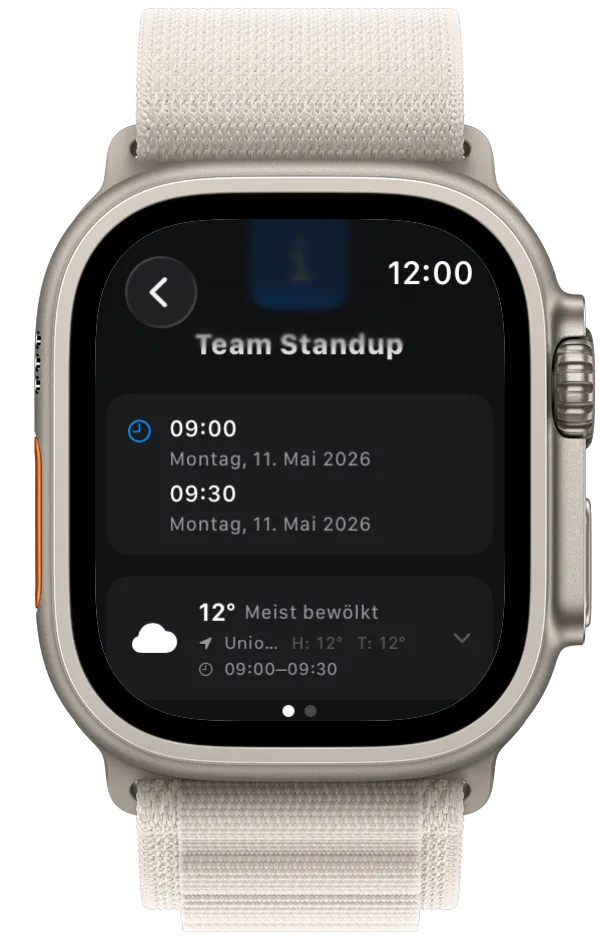
From iPhone to Apple Watch, your calendar travels with you. Every event, every reminder, a flick of the wrist away.
The Planner is the part of Calendarize that runs ahead of you. Every reminder you set lands in the right lane the second you save it, then resurfaces exactly when present you needs to know.
Everything worth knowing about Calendarize.
Super, dass die Erinnerungslisten ein- und ausgeblendet werden können. Klasse Service! Einfach gut gemacht. Erfrischend anders als die anderen Kalenderapps.
Ich habe schon viele Apps versucht und bin verzweifelt. Diese ist wirklich gigantisch gut!
Very nice app, I look forward to seeing new developments.
Das Zusammenspiel aus elegantem Design und cleverer Funktionalität ist bemerkenswert. Die nahtlose Integration von Wetterdaten, die harmonische Verbindung von Kalender und Erinnerungen — alles greift ineinander wie ein perfekt orchestriertes Ganzes.
Vielen Dank, mit dem heutigen Update ist Ihr Kalender meine Nr. 1!
Schönes Design, nicht überladen, schneller und freundlicher Support. So sieht ein toller Kalender aus! Klare Empfehlung!
Eine Möglichkeit den Kalender auch auf dem Mac zu nutzen wäre super. Ansonsten bin ich sehr zufrieden.
Super, dass die Erinnerungslisten ein- und ausgeblendet werden können. Klasse Service! Einfach gut gemacht. Erfrischend anders als die anderen Kalenderapps.
Ich habe schon viele Apps versucht und bin verzweifelt. Diese ist wirklich gigantisch gut!
Very nice app, I look forward to seeing new developments.
Das Zusammenspiel aus elegantem Design und cleverer Funktionalität ist bemerkenswert. Die nahtlose Integration von Wetterdaten, die harmonische Verbindung von Kalender und Erinnerungen — alles greift ineinander wie ein perfekt orchestriertes Ganzes.
Vielen Dank, mit dem heutigen Update ist Ihr Kalender meine Nr. 1!
Schönes Design, nicht überladen, schneller und freundlicher Support. So sieht ein toller Kalender aus! Klare Empfehlung!
Eine Möglichkeit den Kalender auch auf dem Mac zu nutzen wäre super. Ansonsten bin ich sehr zufrieden.